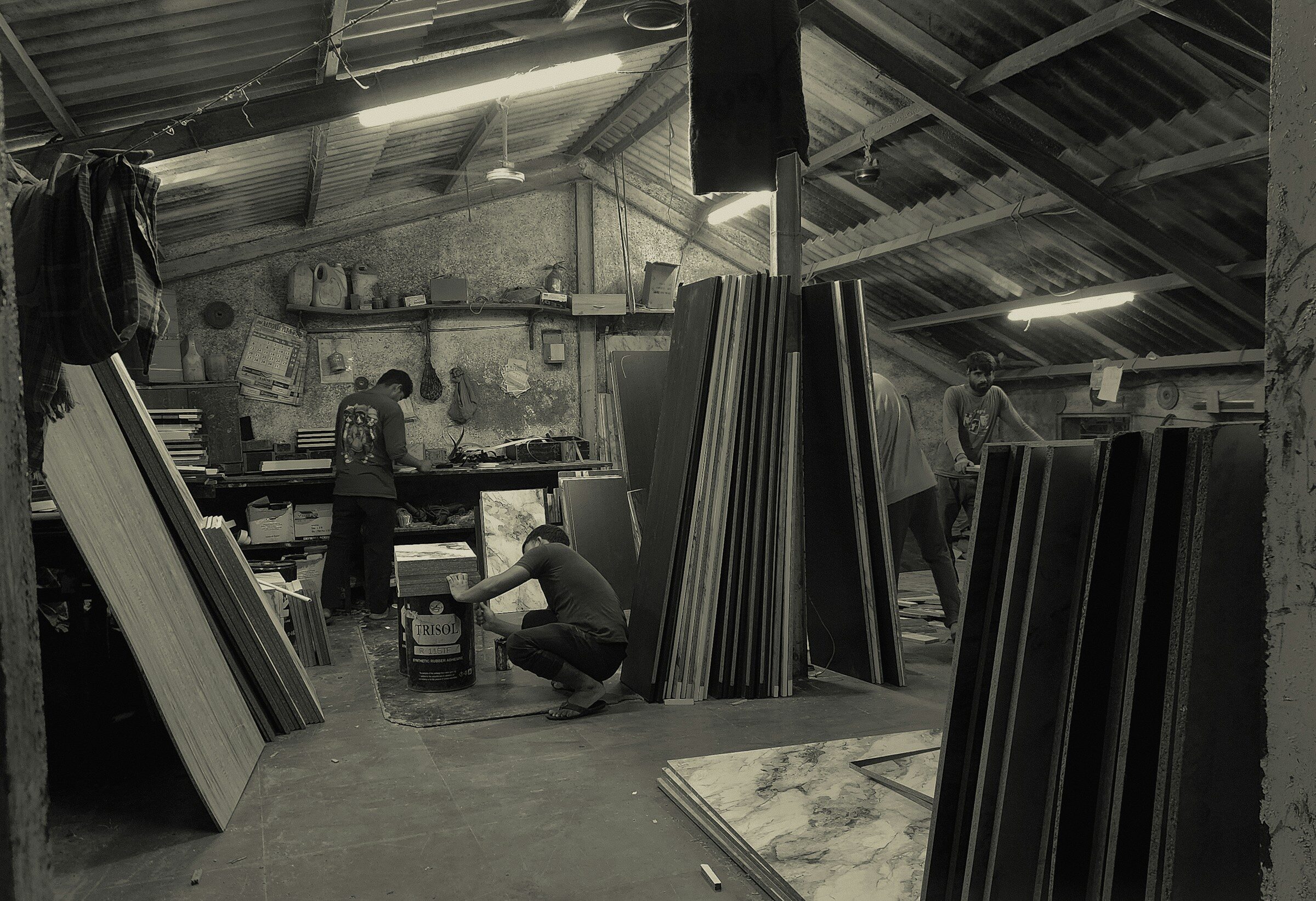
Key Takeaways
- Manufacturing ERP adds production-specific modules to standard ERP: bills of materials, work orders and routing, material requirements planning (MRP), shop-floor tracking, quality and job costing.
- Small manufacturers need five things to work perfectly — BOMs, inventory with lots, work orders, purchasing tied to demand, and true job cost — far more than they need advanced scheduling or IoT dashboards.
- MRP is the planning engine inside ERP: it turns a production plan plus BOMs plus stock into "buy this, make that, by when." It is not a separate system you need to buy.
Manufacturing ERP is enterprise resource planning software with the modules a producer needs on top of the usual finance, inventory and sales: bills of materials, work orders and routings, material requirements planning, shop-floor status, quality and job costing. For a small manufacturer or job shop, the goal is narrow and valuable — know what to make, what to buy, what it really costs and whether it will ship on time — without paying for the enterprise features a 500-person plant needs.
What Makes Manufacturing ERP Different From Regular ERP
A distributor buys finished goods and sells them. A manufacturer buys materials, transforms them through labor and machines, and sells something different. That transformation is what regular ERP cannot model, and it is what the manufacturing modules add:
- Bills of materials (BOMs) — the recipe: which components, in what quantities, at which level, build a finished item. Multi-level BOMs handle sub-assemblies.
- Routings and work orders — the steps (cut, weld, paint, assemble, inspect), which work center does each, how long they take, and the order that tells the floor to make 200 units by Friday.
- Material requirements planning (MRP) — the calculation: given orders and forecast, minus stock on hand and on order, exploded through the BOMs, what must be purchased and produced, and by when.
- Shop-floor tracking — where each work order is, how much labor and material it has consumed, what was scrapped.
- Quality — inspections, non-conformance, lot traceability from raw material to shipped unit.
- Job and product costing — actual material, labor and overhead per job or unit, against the standard you quoted.
MRP vs. ERP: Clearing Up the Acronyms
MRP (material requirements planning) is the planning engine: it answers "what do we need to buy and make, and when?" ERP is the whole business system that MRP lives inside — finance, inventory, sales, purchasing and production together. In the 1980s MRP was standalone software; today it is a module. If a vendor sells you "MRP software," check whether it also handles quoting, purchasing and accounting integration, or you will be adding an ERP later anyway.
A close cousin, MRP II (manufacturing resource planning), extended the original MRP with capacity planning and shop-floor control. Modern manufacturing ERP includes all of it.

What a Small Manufacturer Actually Needs
Across small manufacturers and job shops — metal fabrication, electronics assembly, food and beverage, custom furniture, packaging — the same five capabilities decide whether the system is worth having:
The non-negotiable five
- Accurate BOMs with revision control. When engineering changes a part, the next work order must use the new version and the old one must stay on record.
- Inventory with lots or serials. Know what you have, where it is, which lot it came from — for recalls, for FIFO, for the auditor.
- Work orders that the floor will actually update. A tablet at each work center, two taps to start and finish a step. If it takes a keyboard and a login, it will not get done and your data will be fiction.
- Purchasing driven by demand. Purchase orders suggested from MRP, with supplier lead times, so you stop running out of the US$4 part that halts a US$40,000 order.
- True job cost. Material at actual price, labor at actual hours, overhead allocated — compared with the quote. This is how small shops discover which products lose money.
What you can usually skip at this size: finite-capacity scheduling with optimization algorithms, IoT machine-monitoring dashboards, advanced planning across multiple plants, and a formal APS (advanced planning and scheduling) module. They are impressive in demos and rarely used by a 40-person shop. Add them when a real bottleneck justifies the complexity.
Custom Manufacturing ERP vs. Off-the-Shelf
Off-the-shelf manufacturing ERP is built around a generic model of a factory. It fits well when your production is standard — discrete assembly from a stable catalog, for example. It fits badly when your process has quirks the model does not expect: made-to-order variants configured per quote, mixed process and discrete steps, unusual units of measure, or a costing method your accountant insists on. Small manufacturers spend a surprising amount on customization consultants to make a product behave like their shop.
A custom manufacturing ERP is coded around the way your shop runs, and it only includes the modules you need. TechAuditPros builds these for US manufacturers one agreed monthly fee with the first module — usually inventory and BOMs, or work orders — live in 6–10 weeks, integrated with QuickBooks or Xero for the books. Details on the US custom ERP page; Canadian shops can see the Canadian version.
What Manufacturing ERP Costs
- Subscription manufacturing ERP: entry tiers commonly run from tens of dollars per user per month for light systems into the US$100–$250 range for full-featured ones, plus implementation.
- Mid-market manufacturing suites: typically custom-quoted, with implementation partners and per-user licensing; total first-year cost often reaches well into six figures for a small plant.
- Custom, flat monthly: one agreed monthly fee all-in with TechAuditPros, no per-seat fees — so adding a second shift or a second site does not raise the software bill.
Whatever you choose, run the numbers at the headcount you expect in three years, not today's.

Where to Start
Start with the one number you cannot get today. For most shops it is either "what does this job actually cost us?" or "will this order ship on time?" Build or configure the modules that answer that question first — BOMs, inventory and work orders — and let the rest follow. If you are new to the whole category, our plain-English ERP guide is the place to begin, and our implementation guide covers how to get it live without stopping the line.
Frequently Asked Questions
What is the difference between MRP and ERP in manufacturing?
MRP (material requirements planning) is the planning calculation that turns demand, stock and bills of materials into what to buy and make. ERP is the complete business system — finance, inventory, sales, purchasing and production — that MRP is one module of.
Does a small job shop need manufacturing ERP?
If you quote custom work, carry inventory and want to know real job cost, yes — those three needs are exactly what the manufacturing modules answer. A shop with a handful of employees and a simple product may get by on accounting software plus a good spreadsheet for a while.
What is a bill of materials in ERP?
A bill of materials (BOM) is the structured list of components, sub-assemblies and quantities needed to build one unit of a finished product, with revision control so engineering changes are tracked. It is the foundation of MRP, costing and work orders.
How much does manufacturing ERP cost for a small business?
Subscription systems range from tens of dollars per user per month for light tools to US$100–$250 for full suites, plus implementation. TechAuditPros builds custom manufacturing ERP one agreed monthly fee with no per-user fees.
Running a shop on spreadsheets and a QuickBooks add-on?
Book a free strategy call. We look at your BOMs, inventory and job costing together and tell you honestly whether custom, cloud or off-the-shelf manufacturing ERP fits your shop.
Book a Free Strategy Call